Retro Builder Ultra
A downloadable tool for Windows
Make ugly-beautiful 90s websites on your own computer. No account, no internet required, and you don’t have to learn HTML first.
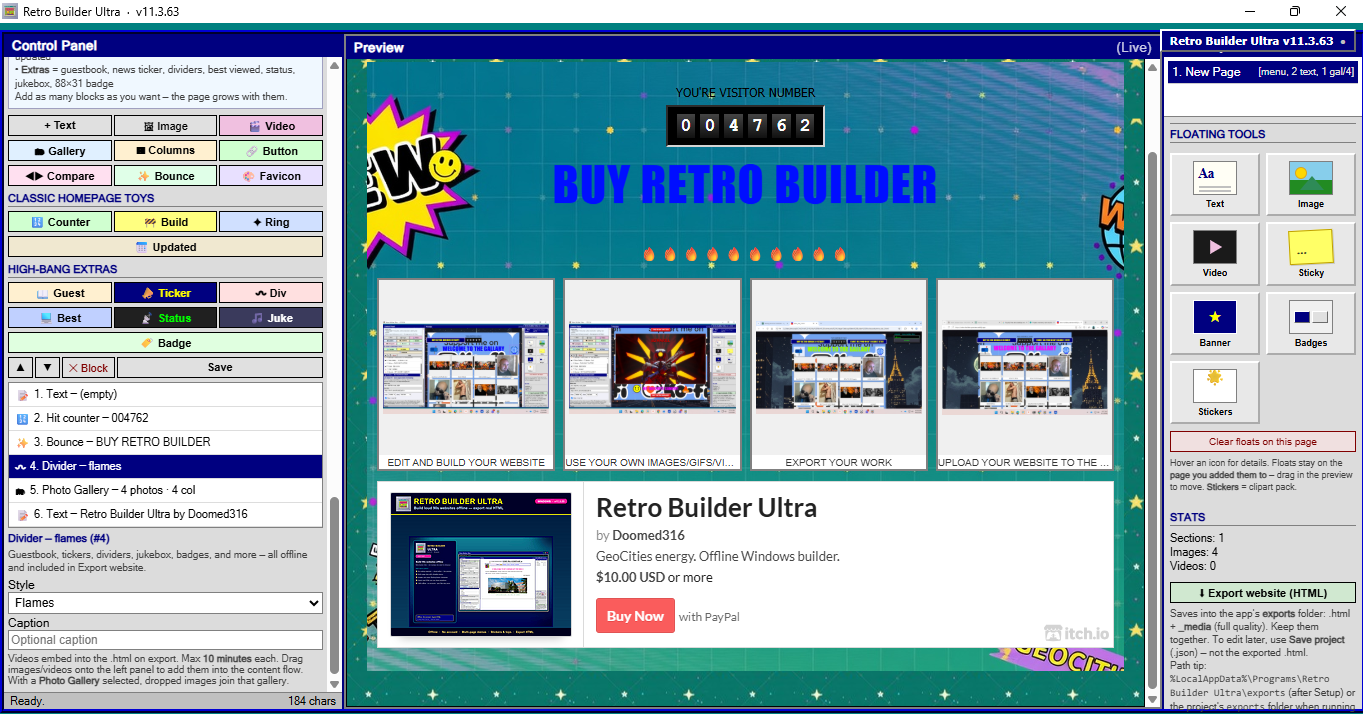
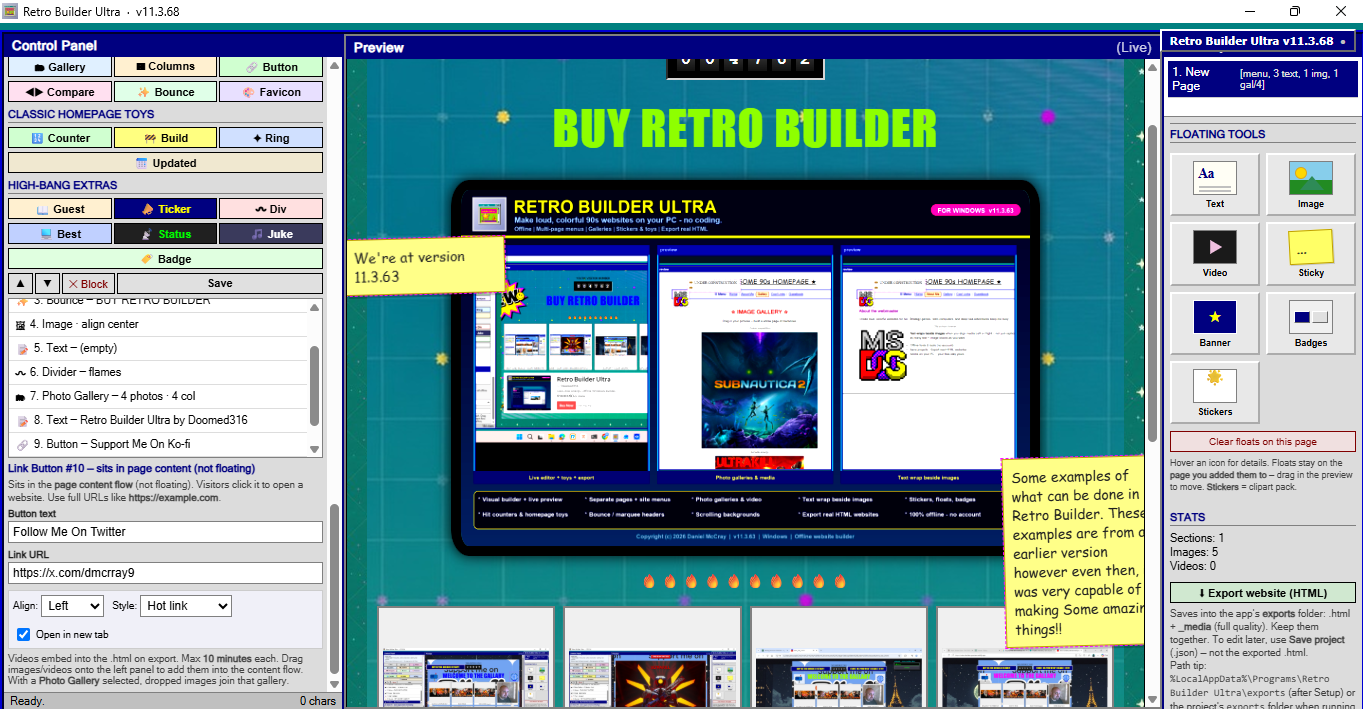
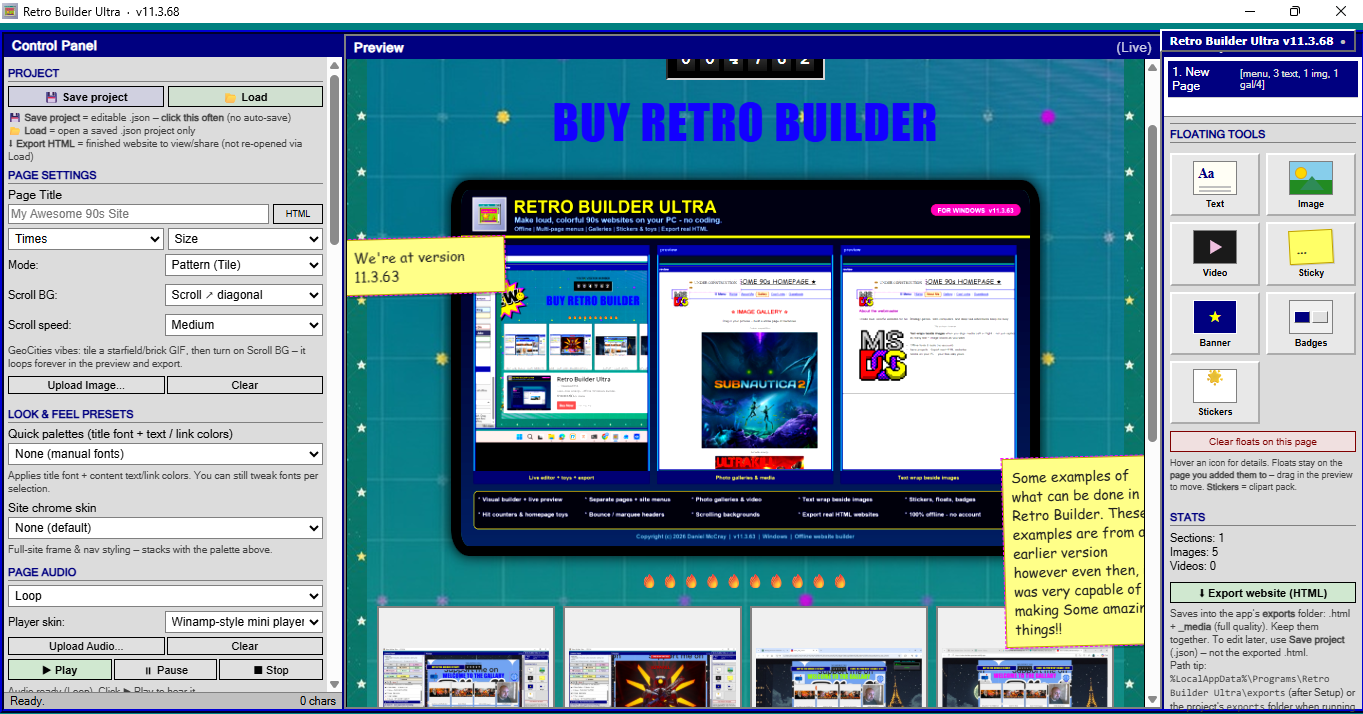
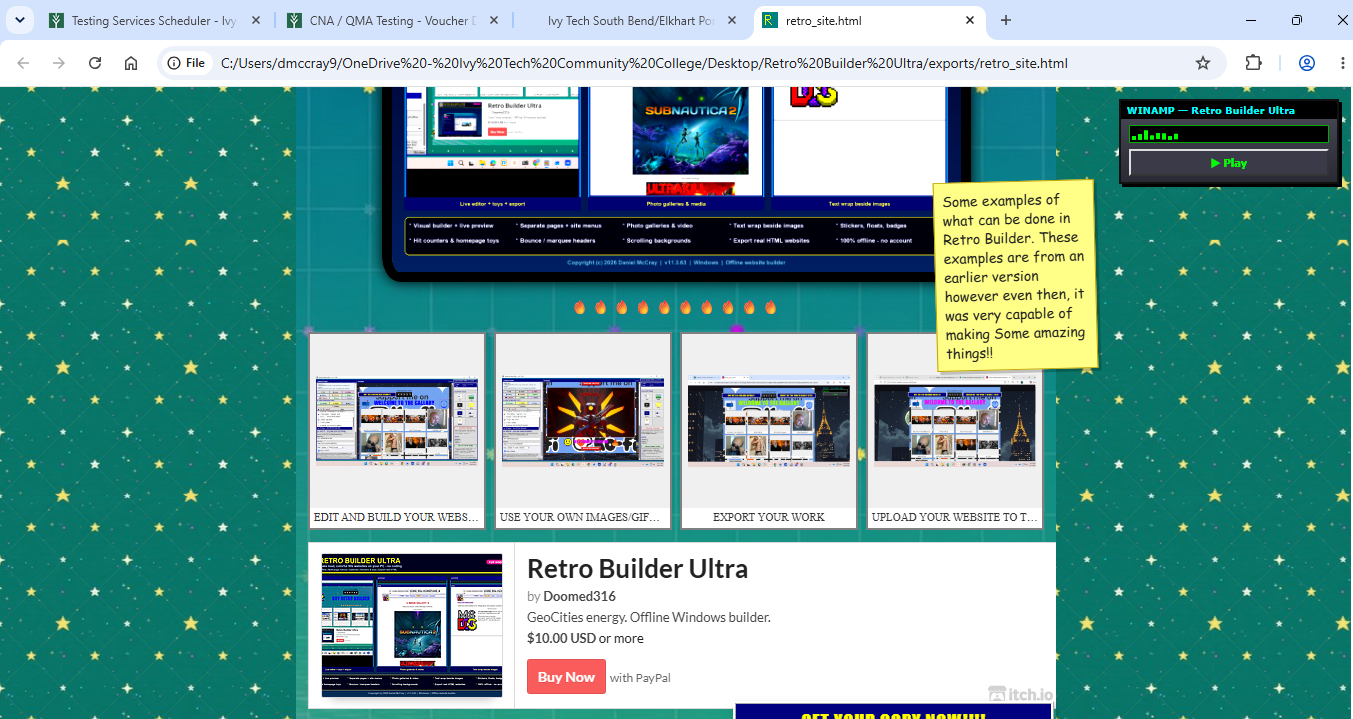
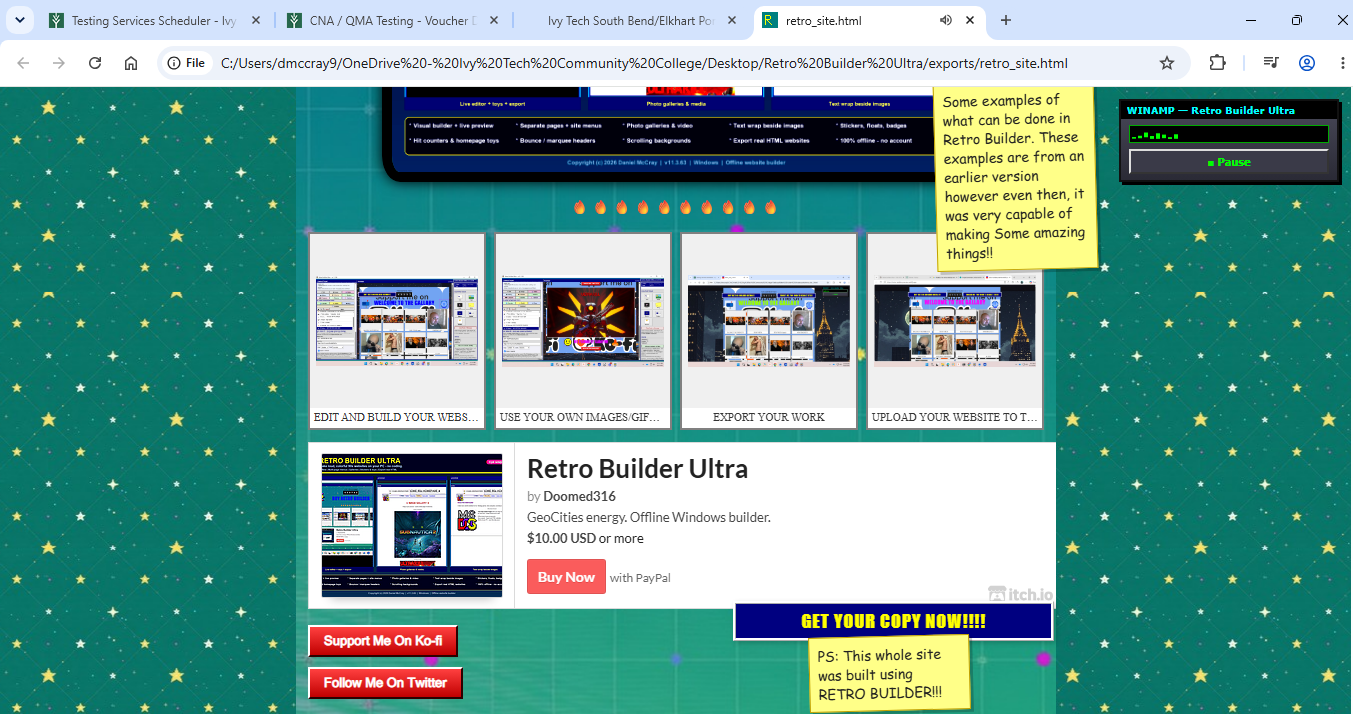
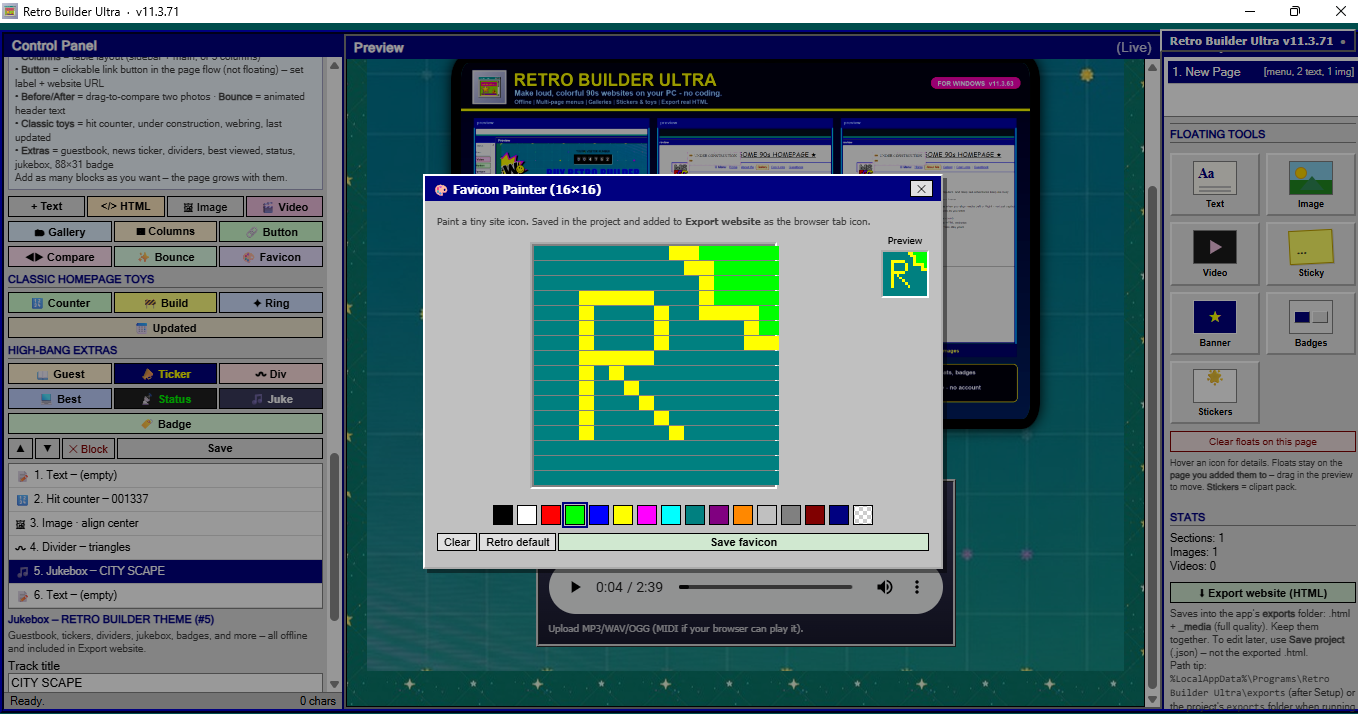
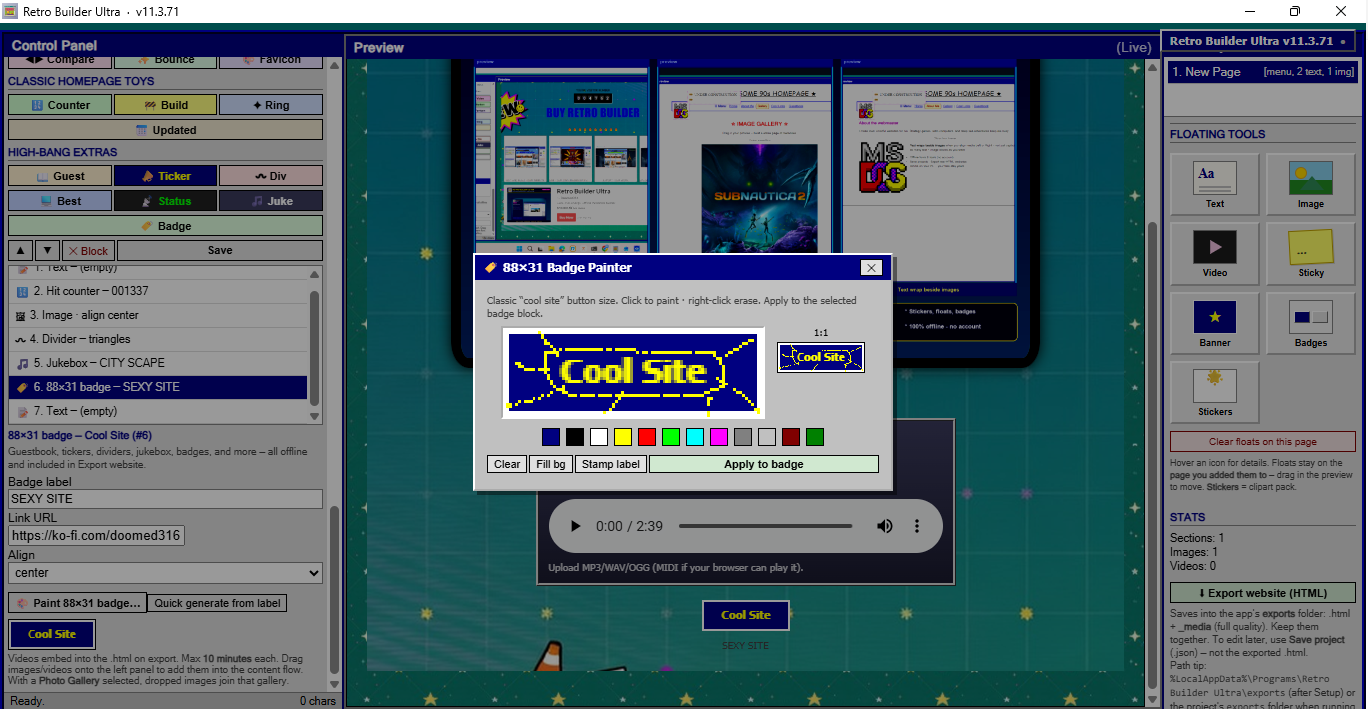
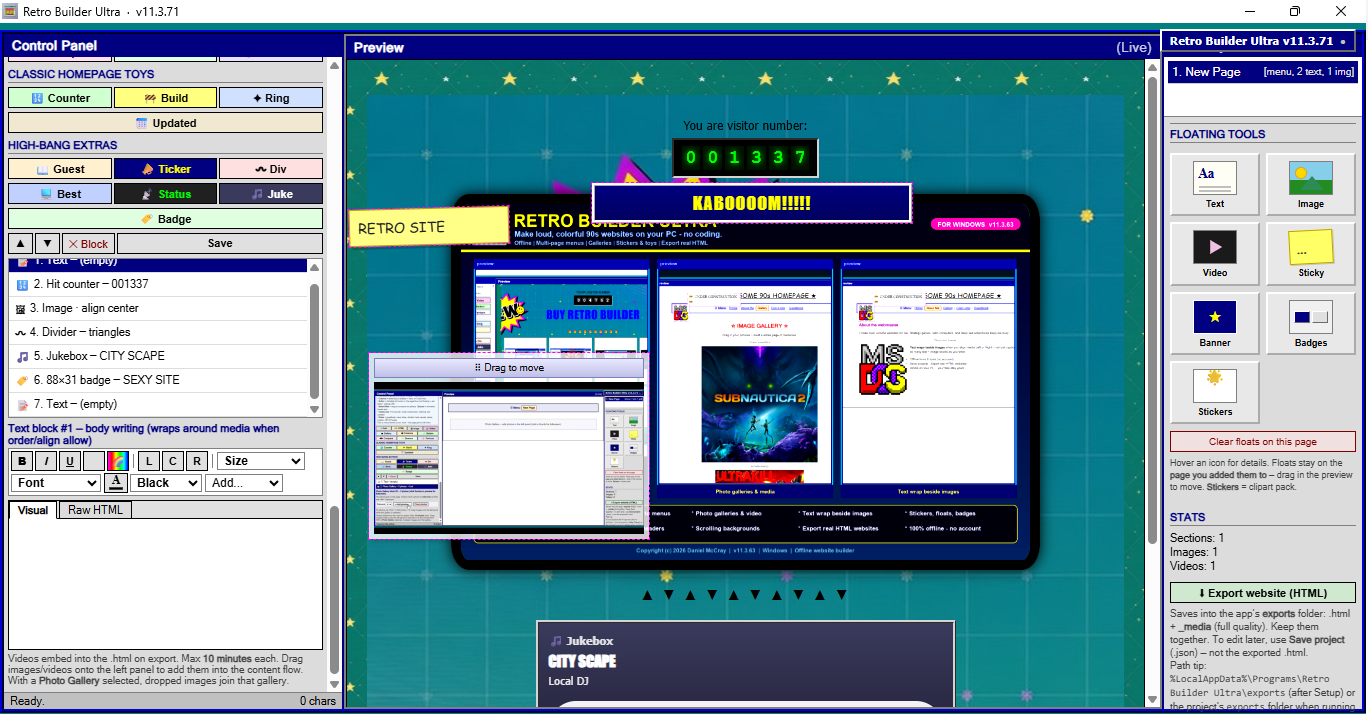
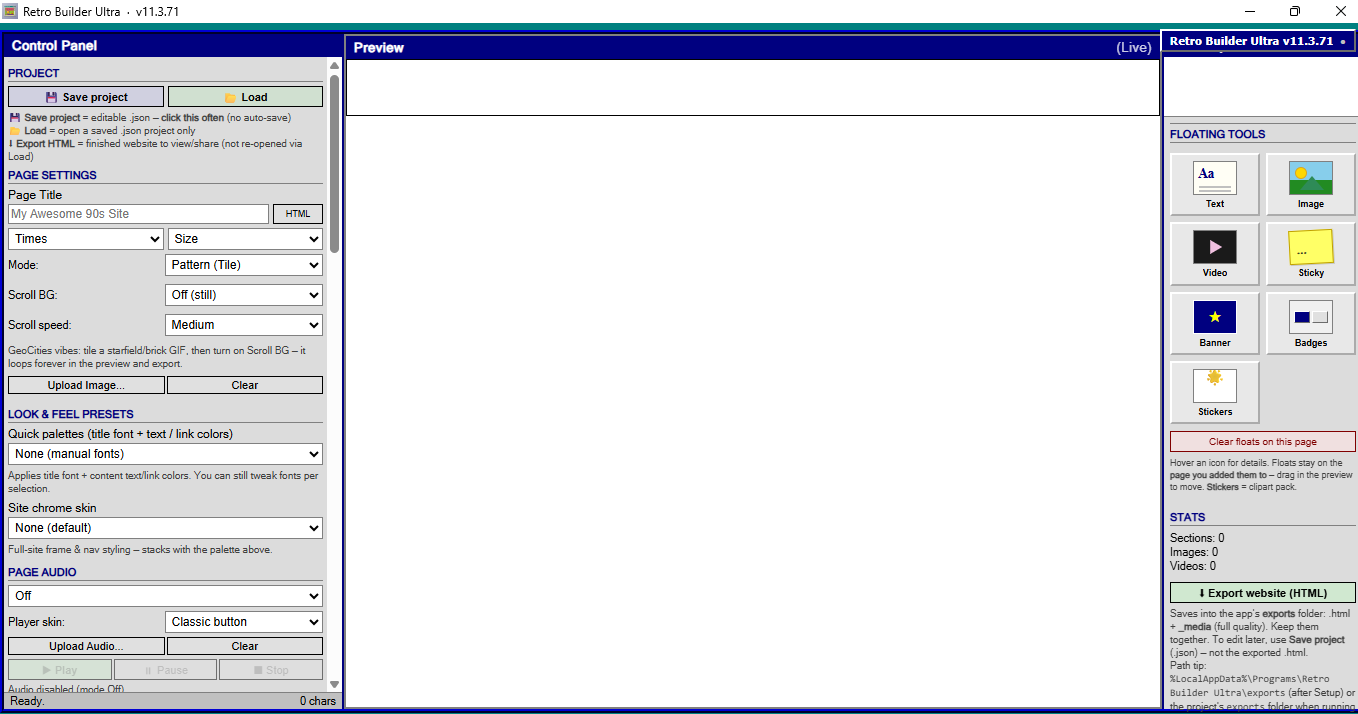
It’s a Windows app with a live preview. You add pages, drop in photos, mess with fonts and colors, slap floating stickers or sticky notes on the page if you want, then export a real HTML site you can open in a browser or put online.
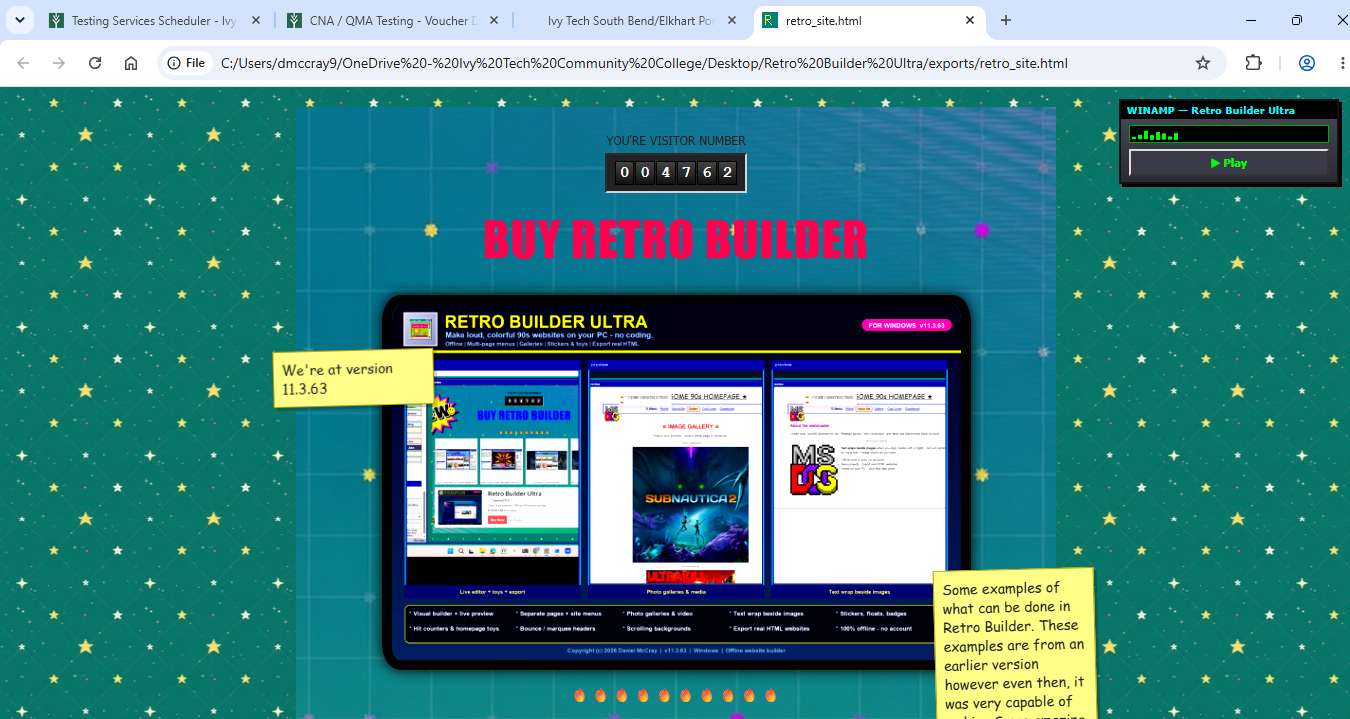
You can build multi-page sites with a simple menu (Home, About, Gallery, that kind of thing), put text next to pictures, make photo galleries, add video, columns, and link buttons. There are also classic homepage toys like hit counters, under construction banners, webrings, and last-updated stamps, plus scrolling wallpapers and goofy image filters. Save your project so you can come back later, and when you’re ready, export finished HTML with a media folder (keep those two together).
To run it: unzip the whole folder, double-click Retro Builder Ultra.exe, and leave the _internal folder next to the exe or it won’t start. Windows 10 or 11. Needs Edge WebView2, which most PCs already have.
This is the builder app, not a pack of templates.
Purchase
In order to download this tool you must purchase it at or above the minimum price of $10 USD. You will get access to the following files:
Development log
- Making Websites and Getting Evicted.1 hour ago
- Windows Mark of the web issue20 hours ago
Leave a comment
Log in with itch.io to leave a comment.